Marvis Monitoring
Exercise
Steps:
Open
config.pyin the Python sandbox below, and update thegmail_idandgmail_passwordvariables.Modify
main.pyto include the email address which will receive the emailed report. This is saved under therecipientvariable.Open the Mist web UI, navigate to
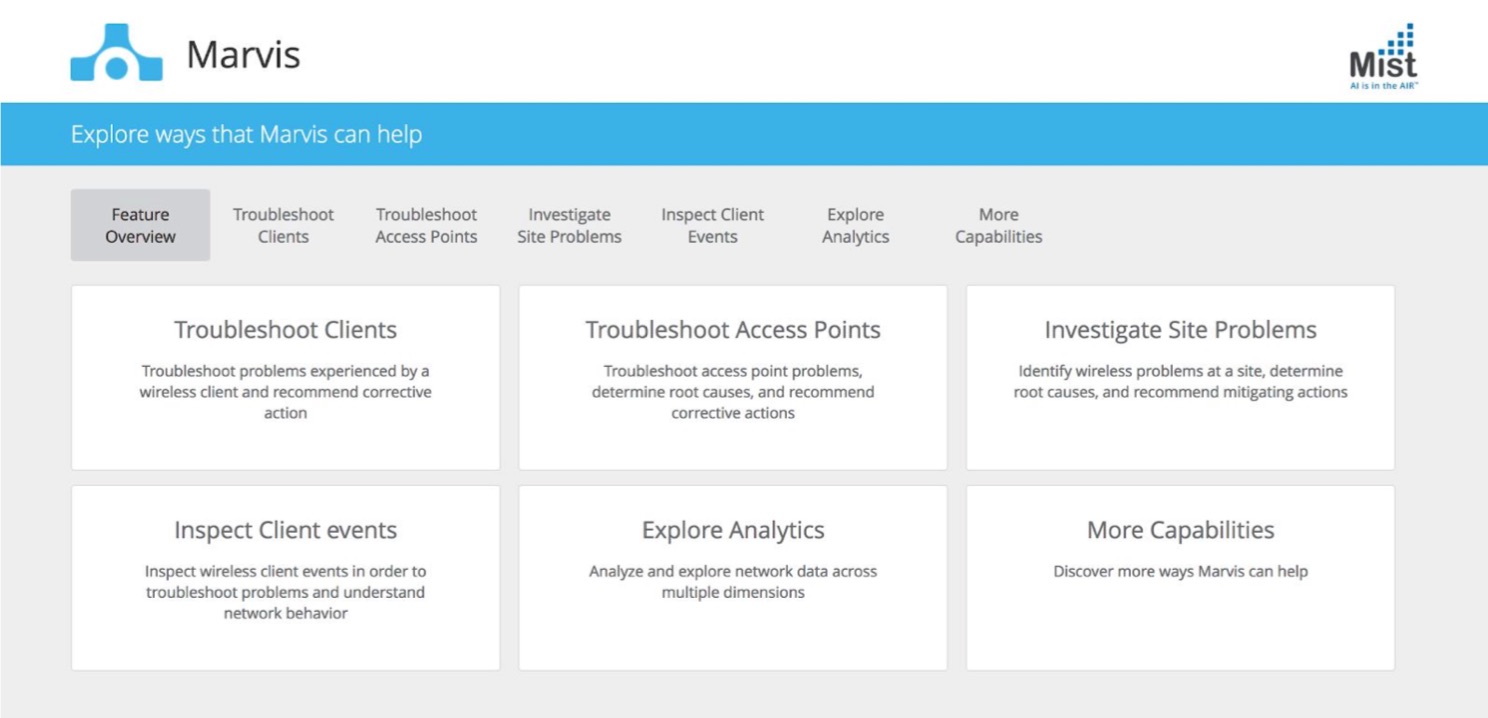
Marvis, and ask questions to monitor and troubleshoot the network. Click theUser Guidebutton for the supported queries.
Modify
main.pybelow to add your own “Marvis Virtual Network Assistant” API monitoring.Documentation: https://api.mist.com/api/v1/docs/Site#client-stats (see “Search Wireless Clients”)
Get historical clients for the past 14 days:
Get historical Macs on Guest WLANs for the past 14 days:
Rank WLANs by client count for the current day:
Check the email recipient’s Inbox to see the final report.


